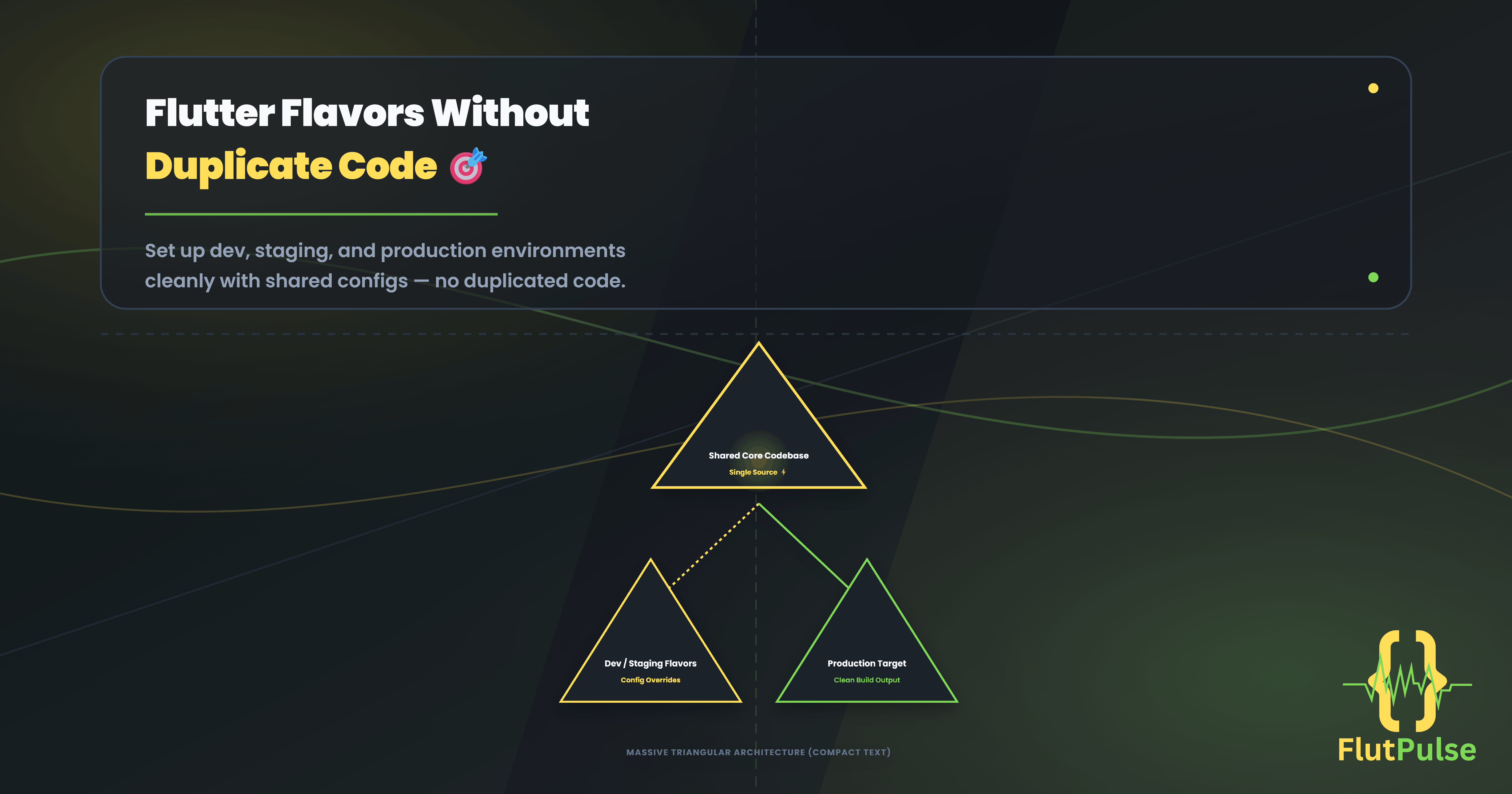
Flutter Flavors Without Duplicate Code: Dev, Staging, and Production
Published on: September 26, 2026
As a Flutter app grows, the team usually needs more than one backend. Development should be safe for experiments, staging should look close to production, and production should not accidentally point at a test API.
The mistake is spreading if (isProduction) checks through features. That makes configuration hard to review and nearly impossible to change with confidence.
Configuration should enter the app once, then flow through a small, typed interface.
Define the environment as data
Start with one configuration object. It documents what can differ between builds and keeps secrets and URLs out of widgets.
enum AppEnvironment { development, staging, production }

class AppConfig {
  const AppConfig({
    required this.environment,
    required this.apiBaseUrl,
    required this.enableVerboseLogs,
  });

  final AppEnvironment environment;
  final String apiBaseUrl;
  final bool enableVerboseLogs;
}
Create a small entry point for each build
Each entry point chooses configuration. The application itself stays the same.
void main() {
  const config = AppConfig(
    environment: AppEnvironment.staging,
    apiBaseUrl: 'https://staging-api.example.com',
    enableVerboseLogs: true,
  );

  runApp(App(config: config));
}
For a larger project, use separate files such as main_development.dart, main_staging.dart, and main_production.dart. Your CI command can then select the intended entry point explicitly.
flutter run -t lib/main_staging.dart
flutter build appbundle -t lib/main_production.dart
Inject configuration instead of reading globals
Pass AppConfig to the dependencies that need it. A repository can receive the base URL through a client factory, while UI code should only see environment-specific behavior when it truly needs to.
class ApiClient {
  ApiClient(this.config);

  final AppConfig config;

  Uri usersUri() => Uri.parse('${config.apiBaseUrl}/users');
}
This makes tests straightforward. A test can construct a configuration with a fake URL rather than depending on a global singleton or command-line state.
Keep the differences small
Environment configuration is useful for endpoints, analytics keys, feature flags, app names, and logging. It is not a reason to fork business logic. When a feature works differently by environment, state the reason in the configuration layer and make the default behavior predictable.
Use a short release checklist before building production:
- Confirm the production entry point is selected.
- Confirm verbose logging is disabled.
- Confirm analytics and crash reporting use production keys.
- Confirm the backend URL is the intended one.
Those checks take minutes and prevent expensive release mistakes.
Build it faster with FlutFest
FlutFest gives teams a repeatable project foundation, so environment setup, reusable components, and shared services do not need to be reinvented for every MVP. View the live web demo.