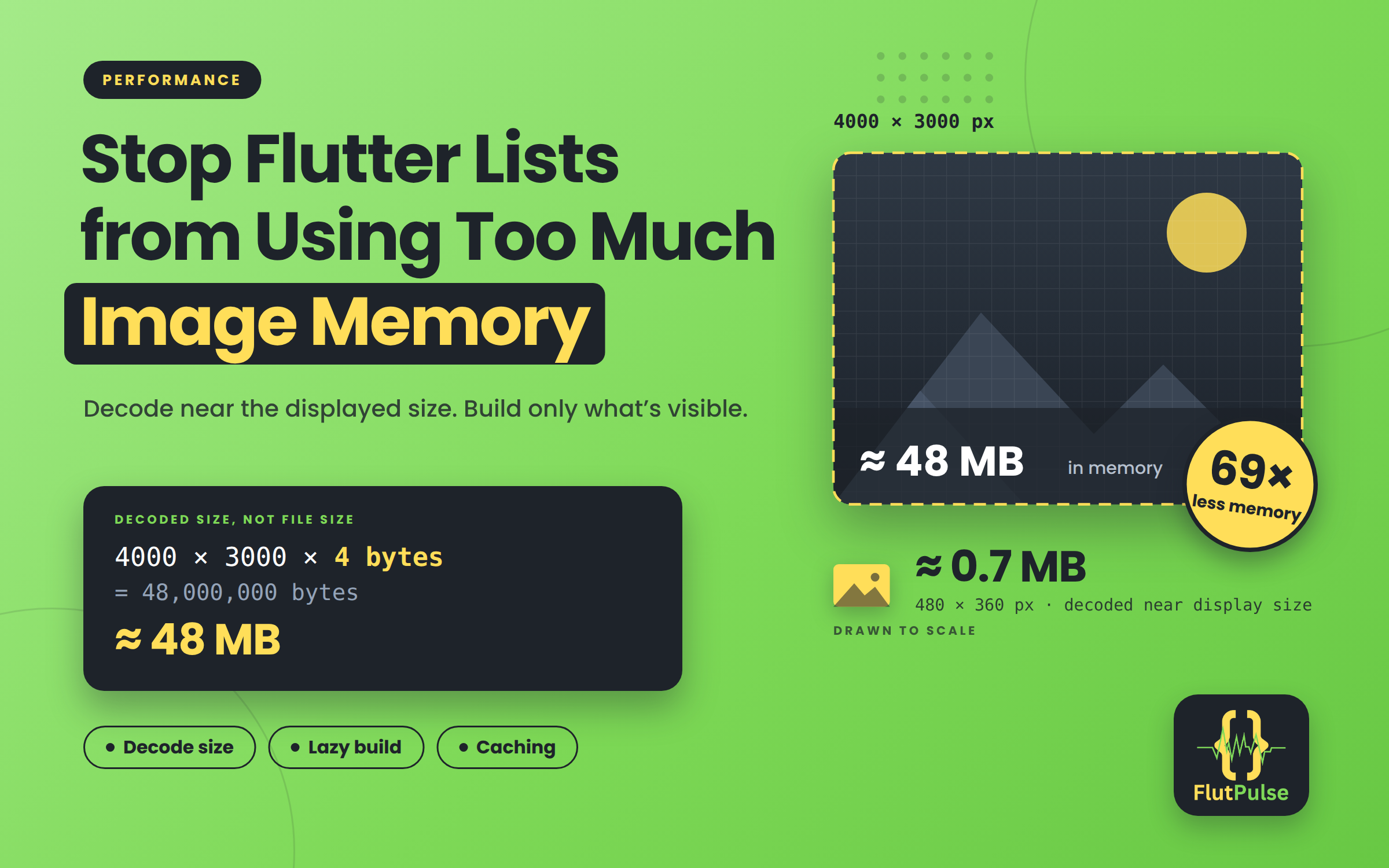
Stop Flutter Lists from Using Too Much Image Memory
Published on: November 08, 2026
A 4000-pixel photo displayed in a 120-pixel card still costs memory based on its decoded dimensions. Compressed file size is not the same as in-memory image size. A decoded RGBA image is roughly four bytes per pixel, so an image can occupy tens of megabytes even when its download was small.
Decode near the displayed size
If a thumbnail is shown at about 160 logical pixels on a device with a pixel ratio of 3, decode near 480 physical pixels rather than the full camera resolution:
Image.network(
  photo.thumbnailUrl,
  width: 160,
  height: 120,
  fit: BoxFit.cover,
  cacheWidth: 480,
  cacheHeight: 360,
  errorBuilder: (context, error, stackTrace) =>
      const Center(child: Icon(Icons.broken_image_outlined)),
)
Use an image endpoint that can return appropriately sized thumbnails when possible. Client-side decode hints reduce decoded memory but do not reduce the bytes downloaded if the server still sends the original file.
Build long feeds lazily
Use ListView.builder or slivers so off-screen rows are created on demand. Avoid converting a large dataset into a column of every image at once. Keep item keys stable if rows can be inserted or reordered.
Treat placeholders and errors as real states
Reserve image space with a fixed aspect ratio to avoid layout jumps. Show a lightweight placeholder while loading and a useful fallback when decoding or networking fails. A broken image should not collapse the card or make the whole feed unusable.
Understand caching
Flutter’s image cache can reuse decoded images, which improves scrolling, but a cache also consumes memory. Do not add another global cache blindly. First inspect memory while scrolling forward and back, and compare behavior after leaving the screen. Avoid retaining full-resolution image objects in application state when a URL or thumbnail identifier is enough.
Measure before and after
Capture a memory snapshot, scroll through a representative feed, and inspect image allocations and heap growth. Compare the same device, data set, and scroll path after changing decode sizes. Also verify sharpness on high-density screens and test a slow connection.
A good image pipeline begins at the server, requests a size close to the UI, decodes near the physical display size, and builds only visible rows. Each step reduces wasted work without sacrificing image quality.