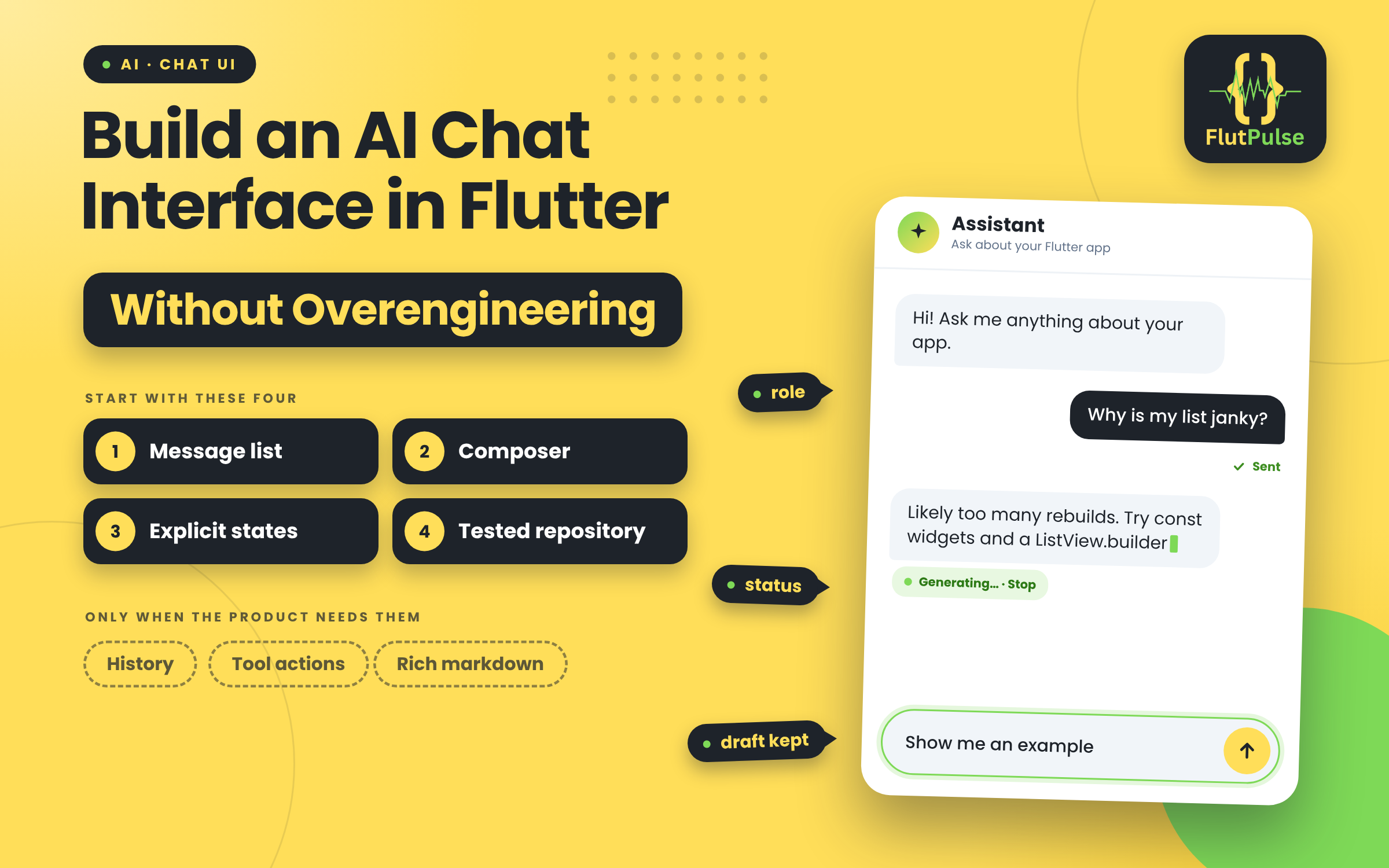
Build an AI Chat Interface in Flutter Without Overengineering
Published on: November 18, 2026
A chat screen needs more than two bubble styles. It must show who said what, which response is in progress, and what the user can do when a request fails. Begin with those states before building a conversation platform.
Start with a small message model
Represent each message with an identifier, role, text, and status. Keep transient generation state separate from completed message content so a partial assistant response is not mistaken for a finished answer.
Build a message row that handles user and assistant alignment, readable line length, selectable text, and long content. Avoid embedding network calls inside the row widget.
Keep the composer predictable
Use a multiline input that grows to a reasonable limit, with a send button that has a semantic label. Prevent accidental duplicate submissions while a request is starting, and preserve the draft if submission fails.
Handle the conversation lifecycle
Show a useful first-use prompt, an in-progress response, and a retry path. If the user leaves the screen, decide deliberately whether the request continues and where its state lives. Do not rely on a widget staying mounted by accident.
Add conversation history, tool actions, or rich markdown only when the product needs them. A reliable first version is a message list, composer, explicit states, and a tested repository boundary.