How to Structure AI Features in a Flutter App
Published on: October 28, 2026
An AI feature can start as one button and quickly spread provider calls, prompt text, loading flags, and response parsing across a screen. Keep the boundary small from the beginning so the feature remains replaceable and testable.
Give the feature a clear boundary
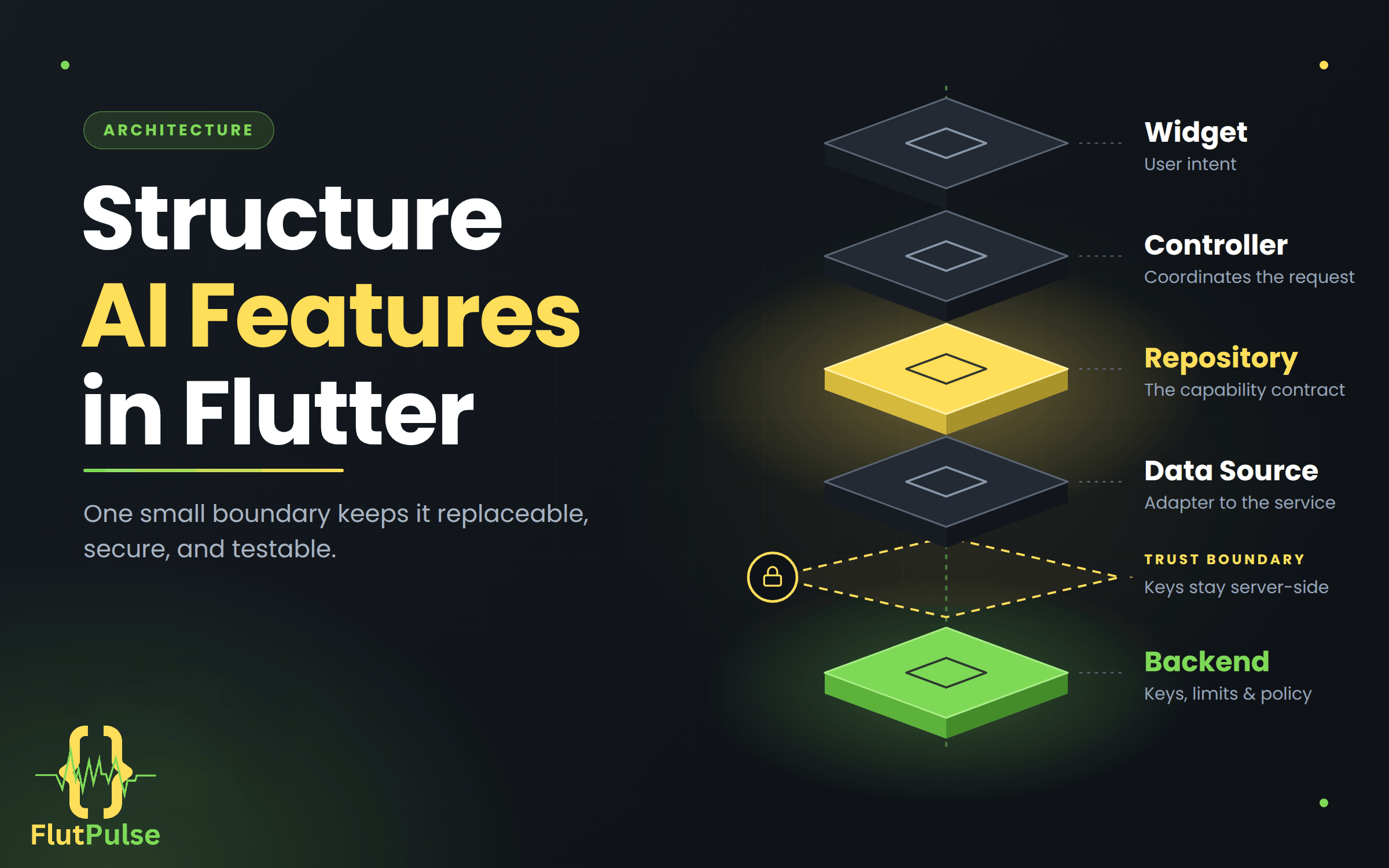
The widget should describe user intent. A controller or view model coordinates the request, a repository represents the capability, and a data source handles the chosen service or backend.
abstract interface class AssistantRepository {
  Future<String> answer(String question);
}
The UI depends on this contract rather than a vendor SDK. That makes it possible to swap providers, add caching, or route requests through your own server without rebuilding the screen.
Keep credentials and policy on the server
Do not ship a private model API key in a Flutter app. Mobile binaries can be inspected. Send authenticated requests to a backend you control, and enforce rate limits, user permissions, and data handling there.
Represent the request state explicitly
Use a state object or sealed states for idle, loading, success, and failure. Avoid unrelated booleans such as isLoading, hasError, and hasAnswer, which can form contradictory combinations.
The result should also carry only what the screen needs. Provider response metadata belongs in the data layer unless the product has a concrete use for it.
Test the boundary without a live model
Inject a fake repository that returns a known answer or throws a known failure. Widget tests can then verify progress, success, retry, and error copy deterministically, without network cost or variable model output.
Start with one capability and a narrow contract. Add abstractions when a real requirement appears; an AI feature does not need a framework of its own to be maintainable.