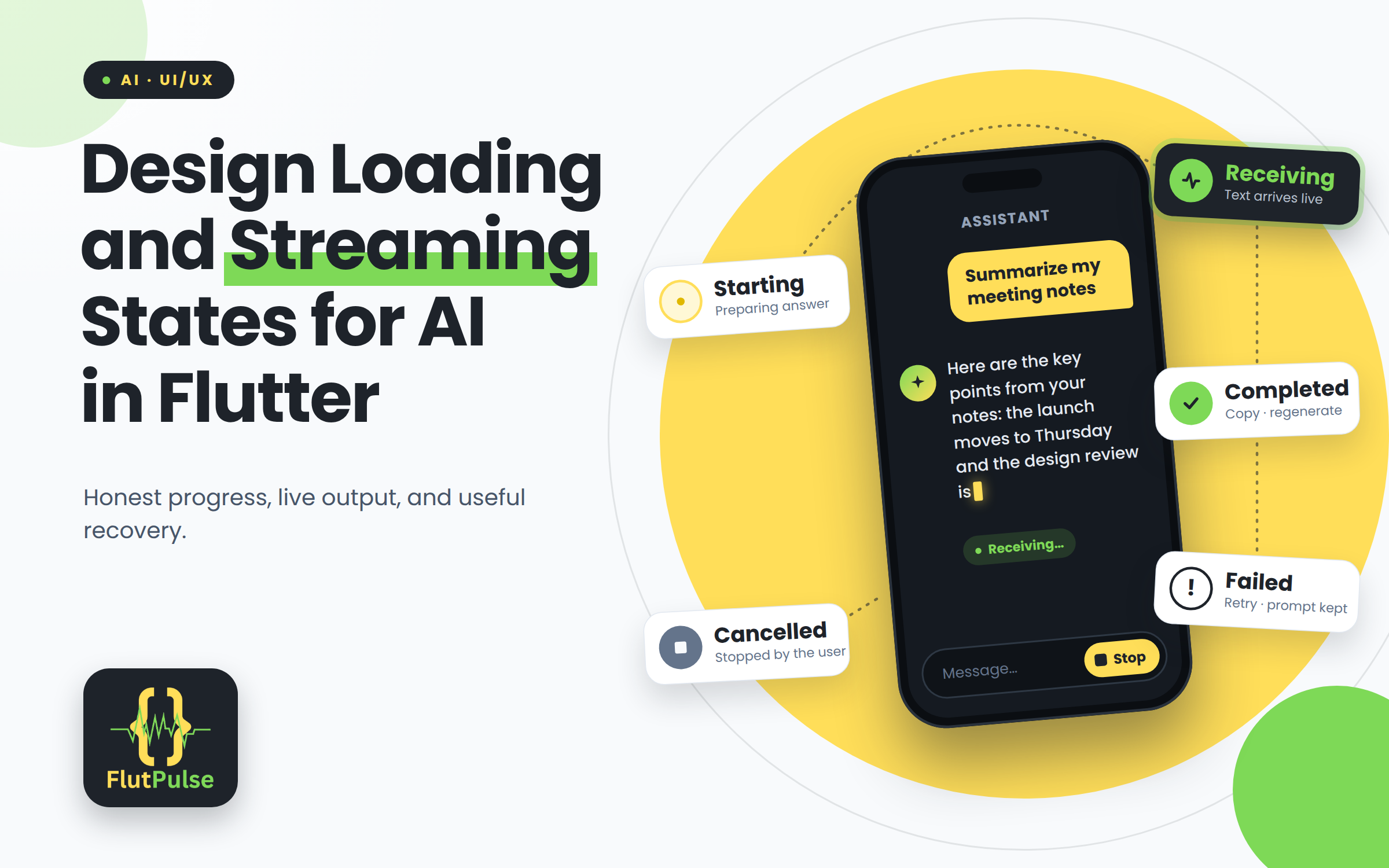
Design Loading and Streaming States for AI in Flutter
Published on: November 04, 2026
An AI request may take long enough for a user to wonder whether the app heard them. A spinner alone communicates activity, but not whether text is arriving, whether the request can be stopped, or what to do after a failure.
Show the state the system actually knows
Before the first response chunk arrives, say that the answer is being prepared. Once chunks arrive, render them as they come. Do not invent a percentage when the service cannot report meaningful progress.
Keep the user’s prompt visible while the reply is being generated. This confirms which request is in progress and helps preserve context if the user navigates away and returns.
Make streaming readable
Append incoming text to one response rather than creating a new message for every chunk. Avoid rebuilding the entire conversation unnecessarily, and keep the scroll position stable unless the user is already near the bottom.
If the user scrolls up to read earlier messages, do not force the list back down on each chunk. A subtle “new response” affordance can let them return when ready.
Plan for interruption and failure
If the request can be cancelled, provide a clear stop action. On network failure, retain any partial answer only if the product can explain that it may be incomplete. Offer retry without erasing the user’s prompt.
Use distinct states for starting, receiving, completed, cancelled, and failed. That keeps the interface honest and gives each outcome a useful next step.