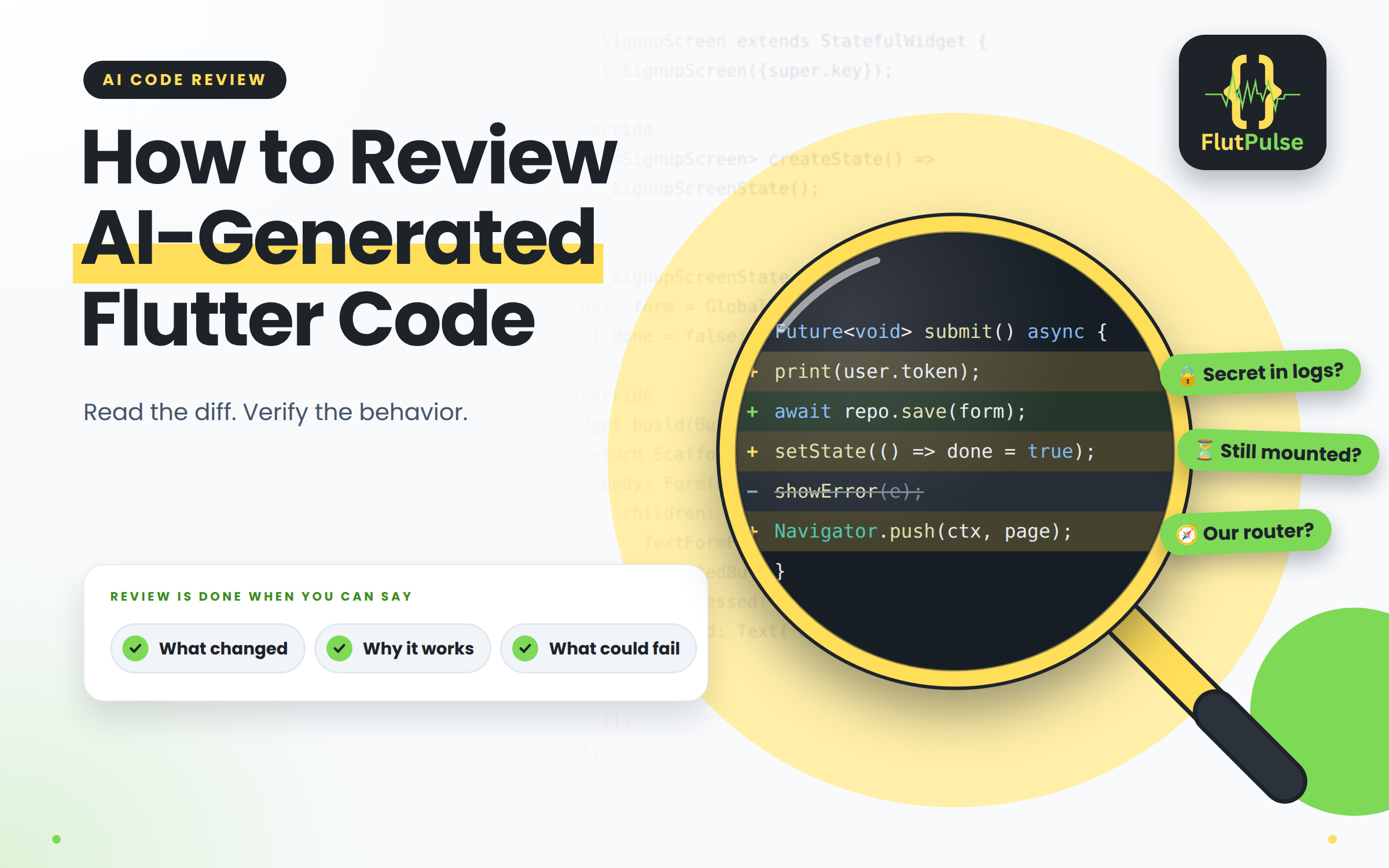
How to Review AI-Generated Flutter Code
Published on: November 11, 2026
AI-generated code can compile and still be wrong for the product. Review it as a proposed change: first understand the behavior requested, then inspect the smallest diff that implements it.
Read the diff before running it
Check whether the change stays within the requested feature. Look for duplicated state, new dependencies, broad formatting changes, and edits to files that the task did not require.
Trace data from the user action to the UI. Confirm that errors are handled, async work respects widget or controller lifetimes, and sensitive values are not logged or bundled into the app.
Compare with the codebase’s patterns
An answer may be valid Dart but inconsistent with the app’s routing, state management, naming, or localization. Prefer the established project convention unless there is a clear reason to change it.
Verify behavior, not confidence
Run the checks appropriate to the change and inspect the rendered screen on relevant sizes. Add or adjust tests for the behavior, including failure and empty cases where they matter. Treat generated explanations as suggestions; the diff and observed behavior are the evidence.
If the code is hard to explain line by line, ask for a smaller change or rewrite the unclear part. Review is complete when you can describe what changed, why it works, and what could still fail.