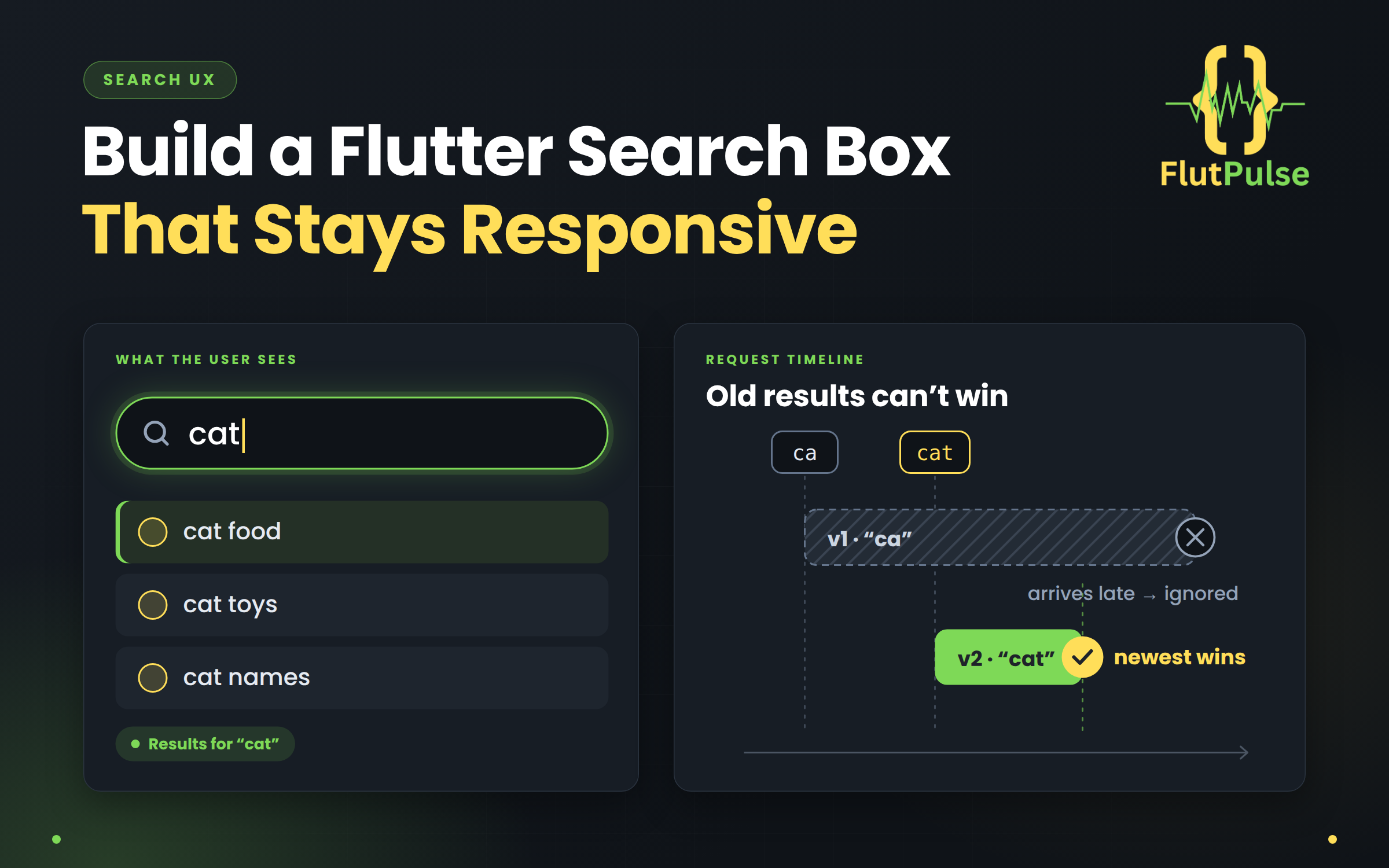
Build a Flutter Search Box That Stays Responsive
Published on: November 01, 2026
A search field can feel sluggish even when the API is fast. Sending a request for every character floods the service; waiting too long after typing makes the interface feel unresponsive. A short debounce window plus explicit request state gives a better balance.
Debounce input, not feedback
Debouncing waits until typing pauses before starting a request. Keep the text field itself immediate, and debounce only the expensive work. Around 300 milliseconds is a reasonable starting point; measure with real users and your API.
Timer? _debounce;
int _requestVersion = 0;

void onQueryChanged(String rawQuery) {
  _debounce?.cancel();
  final query = rawQuery.trim();

  if (query.isEmpty) {
    setState(() {
      _results = [];
      _isLoading = false;
    });
    return;
  }

  _debounce = Timer(const Duration(milliseconds: 300), () {
    _search(query);
  });
}
Dispose the timer when the owner is disposed. If search state lives in a provider or view model, put the timer there instead of recreating it in a build method.
Prevent old results from winning
A slow response for “ca” can arrive after a faster response for “cat”. Without protection, the older results overwrite the newer ones. Give each request a monotonically increasing version:
Future<void> _search(String query) async {
  final version = ++_requestVersion;
  setState(() => _isLoading = true);

  try {
    final results = await repository.search(query);
    if (!mounted || version != _requestVersion) return;
    setState(() {
      _results = results;
      _isLoading = false;
    });
  } catch (_) {
    if (!mounted || version != _requestVersion) return;
    setState(() => _isLoading = false);
  }
}
The version check makes stale responses harmless. For higher traffic or large responses, cancel the previous HTTP request as well if your client supports cancellation.
Design the states, not just the list
Make the empty query, initial hint, loading state, no matches, results, and failure state distinct. Keep previous results visible while refreshing if that helps orientation, but label the refresh state so users do not mistake stale content for new results.
Do not show “No results” while a request is still running. Likewise, an error should offer retry and should not erase the query.
Handle rapid edits and leaving the page
When a query is cleared, invalidate the active request version so its eventual response cannot repopulate the list. On disposal, cancel the timer and invalidate pending responses. If search is shared across routes, own these rules in the shared search controller.
Verify the behavior
Try a deliberately slow response, type two queries quickly, clear the field mid-request, and navigate away while loading. The newest query should win, the cleared field should remain empty, and the screen should never get a late state update.
That small set of edge cases is what makes search feel reliable rather than merely functional.