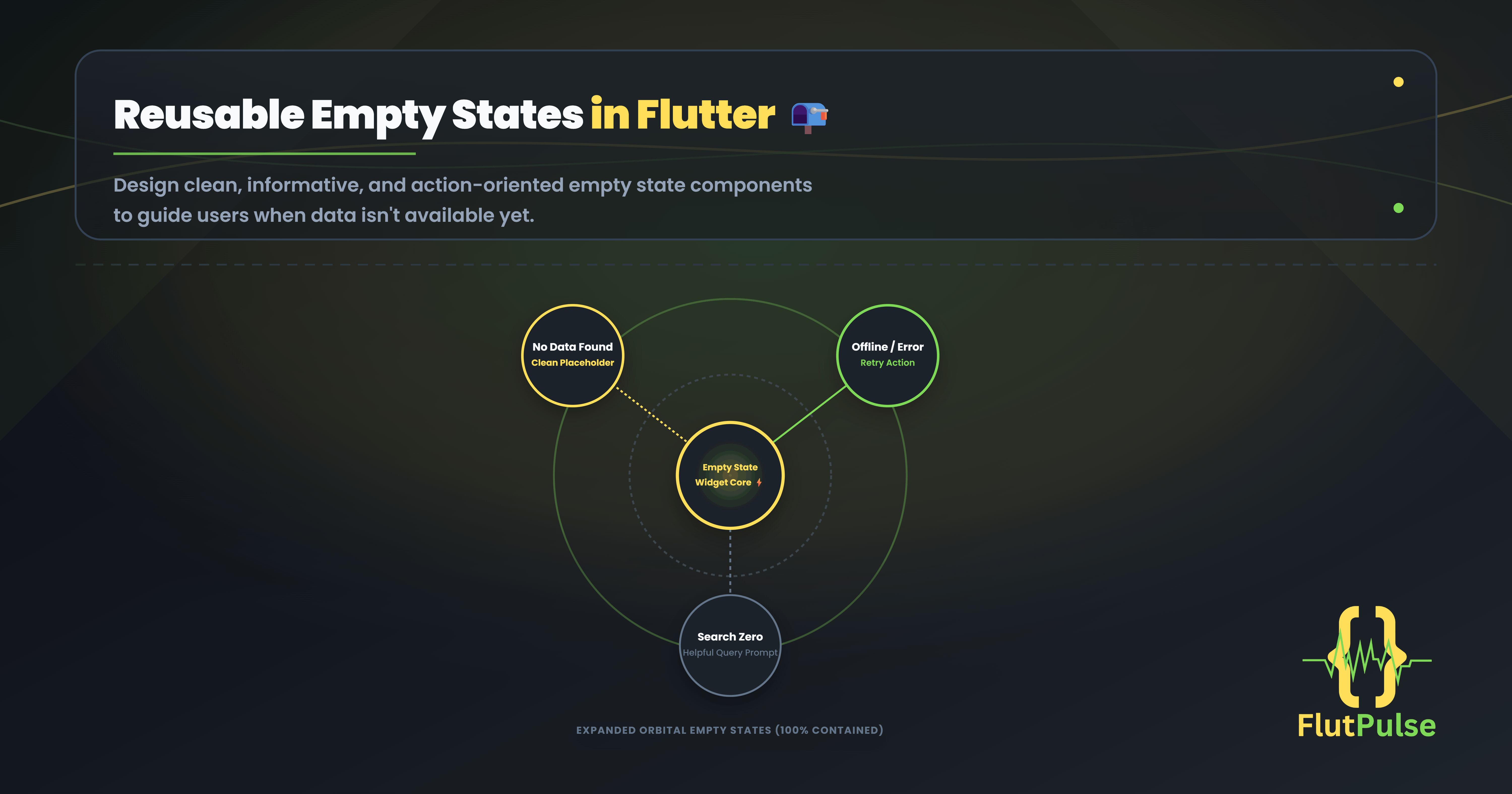
Reusable Empty States in Flutter: Turn Dead Ends Into Next Steps
Published on: October 03, 2026
An empty state is not a missing screen. It is a real moment in the product: a new user has no projects, a filtered search has no matches, or a saved list has been cleared.
When that moment is ignored, users see a blank area and wonder whether the app is broken. A useful empty state answers three questions quickly: what happened, why it happened, and what to do next.
An empty state should move the user forward, not merely explain the absence of data.
Separate the reasons for emptiness
“No items” is too broad. A first-use screen should invite creation. A search with no results should help users refine the query. A network failure should offer a retry.
Model those cases separately before building the UI.
enum CollectionState {
  firstUse,
  noSearchResults,
  offline,
}
This keeps the copy and action honest. It also prevents a generic component from becoming a pile of optional booleans later.
Build one focused component
The component below has a small API: an icon, a title, supporting text, and one optional action. It is easy to reuse without hiding product decisions.
class EmptyStateView extends StatelessWidget {
  const EmptyStateView({
    super.key,
    required this.icon,
    required this.title,
    required this.message,
    this.actionLabel,
    this.onAction,
  });

  final IconData icon;
  final String title;
  final String message;
  final String? actionLabel;
  final VoidCallback? onAction;

  @override
  Widget build(BuildContext context) {
    return Center(
      child: ConstrainedBox(
        constraints: const BoxConstraints(maxWidth: 360),
        child: Padding(
          padding: const EdgeInsets.all(24),
          child: Column(
            mainAxisSize: MainAxisSize.min,
            children: [
              Icon(icon, size: 44),
              const SizedBox(height: 16),
              Text(title, textAlign: TextAlign.center),
              const SizedBox(height: 8),
              Text(message, textAlign: TextAlign.center),
              if (actionLabel != null && onAction != null) ...[
                const SizedBox(height: 20),
                FilledButton(onPressed: onAction, child: Text(actionLabel!)),
              ],
            ],
          ),
        ),
      ),
    );
  }
}
Choose one primary action
An empty state is already a moment of uncertainty. Do not add three equally prominent buttons. Give the user the most likely recovery step.
EmptyStateView(
  icon: Icons.folder_open_outlined,
  title: 'No projects yet',
  message: 'Create your first project to start organizing work.',
  actionLabel: 'Create project',
  onAction: () => Navigator.of(context).pushNamed('/projects/new'),
)
If there is no useful action, omit the button. A message that simply confirms a successful filter can be enough.
Keep the component accessible and responsive
Use semantic text, keep message lines readable, and constrain width on large screens so the state remains calm rather than stretched. The layout should also leave enough room for translated labels and larger text settings.
Finally, test empty states as deliberately as loading and success states. They are often the first screen a new user sees, and they can be the difference between an app that feels unfinished and one that feels considered.
Build it faster with FlutFest
FlutFest helps you assemble consistent product states from reusable Flutter components, including empty, loading, and error patterns that can be adapted to each feature. Take a look at the live web demo.