Debug Flutter Network Errors with a Repeatable Checklist
Published on: October 25, 2026
A request that “doesn’t work” can fail in several different places: before it leaves the device, at the server, while decoding the response, or after the screen has gone away. Treating all of these as one generic error makes debugging slower and gives users no useful next step.
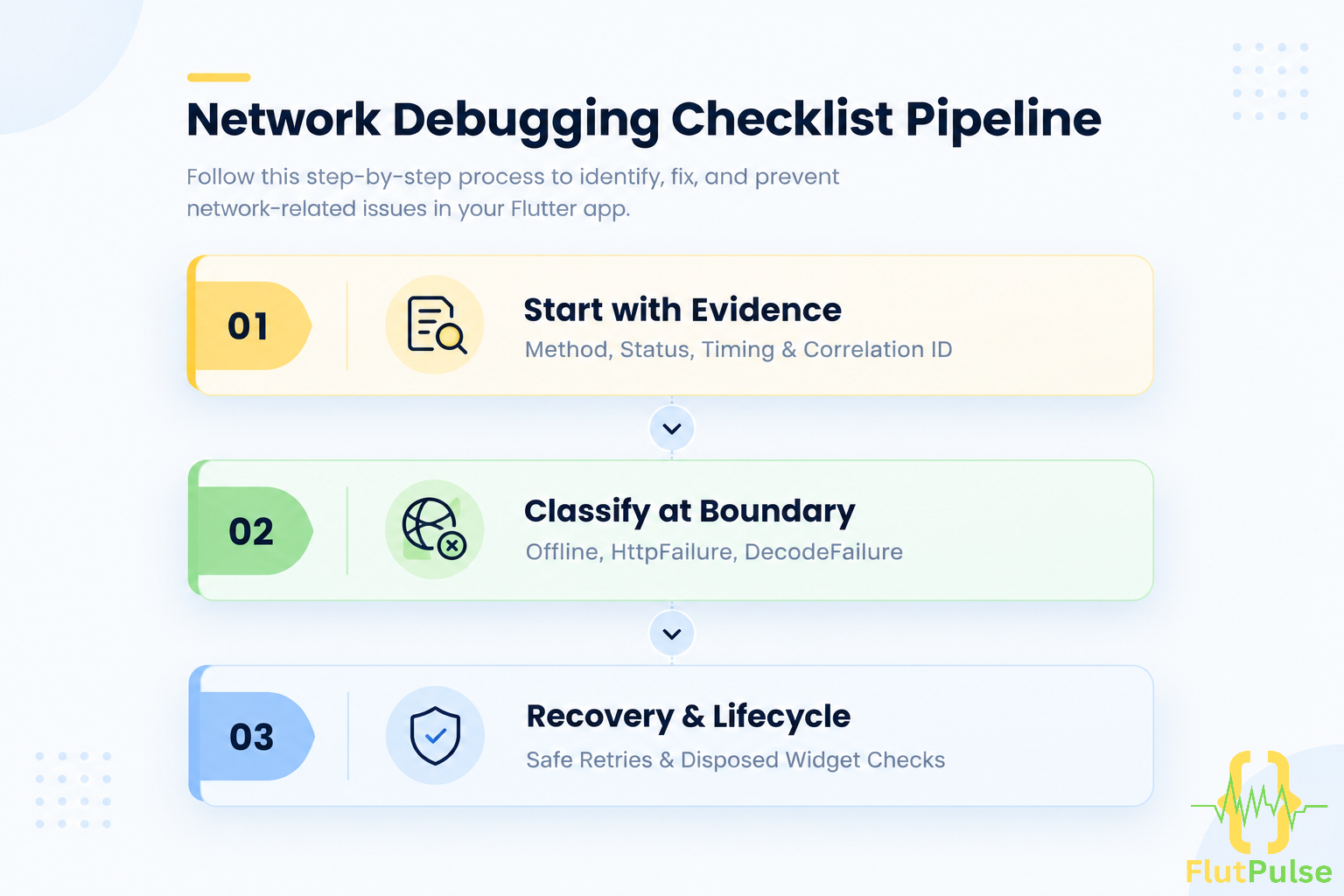
Start with evidence
Reproduce the action and record four things: method and URL, response status, elapsed time, and a request or correlation ID if your backend provides one. Avoid logging authorization headers, passwords, or personal data.
Use a network inspector or a small client wrapper to capture metadata. Keep the response body out of production logs unless it is safe and deliberately redacted.
Classify failures at the boundary
A practical repository should translate transport details into outcomes the UI can handle:
sealed class LoadFailure {
  const LoadFailure();
}

class OfflineFailure extends LoadFailure {
  const OfflineFailure();
}

class HttpFailure extends LoadFailure {
  const HttpFailure(this.statusCode);
  final int statusCode;
}

class DecodeFailure extends LoadFailure {
  const DecodeFailure();
}
Catch errors where the request crosses into your app, then return a typed result or throw a domain-specific exception. The screen should not need to know what a socket exception is.
Match recovery to the cause
- No connection: preserve the current screen and offer retry.
- Unauthorized: renew the session or send the user to sign in.
- Validation response: show field-level guidance.
- Server failure: explain that the service had a problem and keep entered data.
- Invalid JSON: treat it as an integration defect; capture safe diagnostics for investigation.
A retry is not always safe. Retrying a read is usually harmless; retrying a payment or order submission can duplicate work unless the API supports idempotency.
Check the lifecycle
If a request completes after a widget is disposed, do not update that widget. Prefer moving request ownership into a state object or controller that outlives the route appropriately. If the request truly belongs to one screen, cancel it when leaving where the client supports cancellation.
A five-minute debugging sequence
- Confirm the device can reach the host and that the URL is correct.
- Inspect status code and timing, not just the exception message.
- Compare the actual response shape with the model you decode.
- Check authentication, permissions, and environment configuration.
- Reproduce once with a known request and share the correlation ID with the API owner.
The key is to preserve the distinction between transport, server, parsing, and UI lifecycle failures. Once each layer reports what it knows, “the API is broken” becomes a testable explanation.