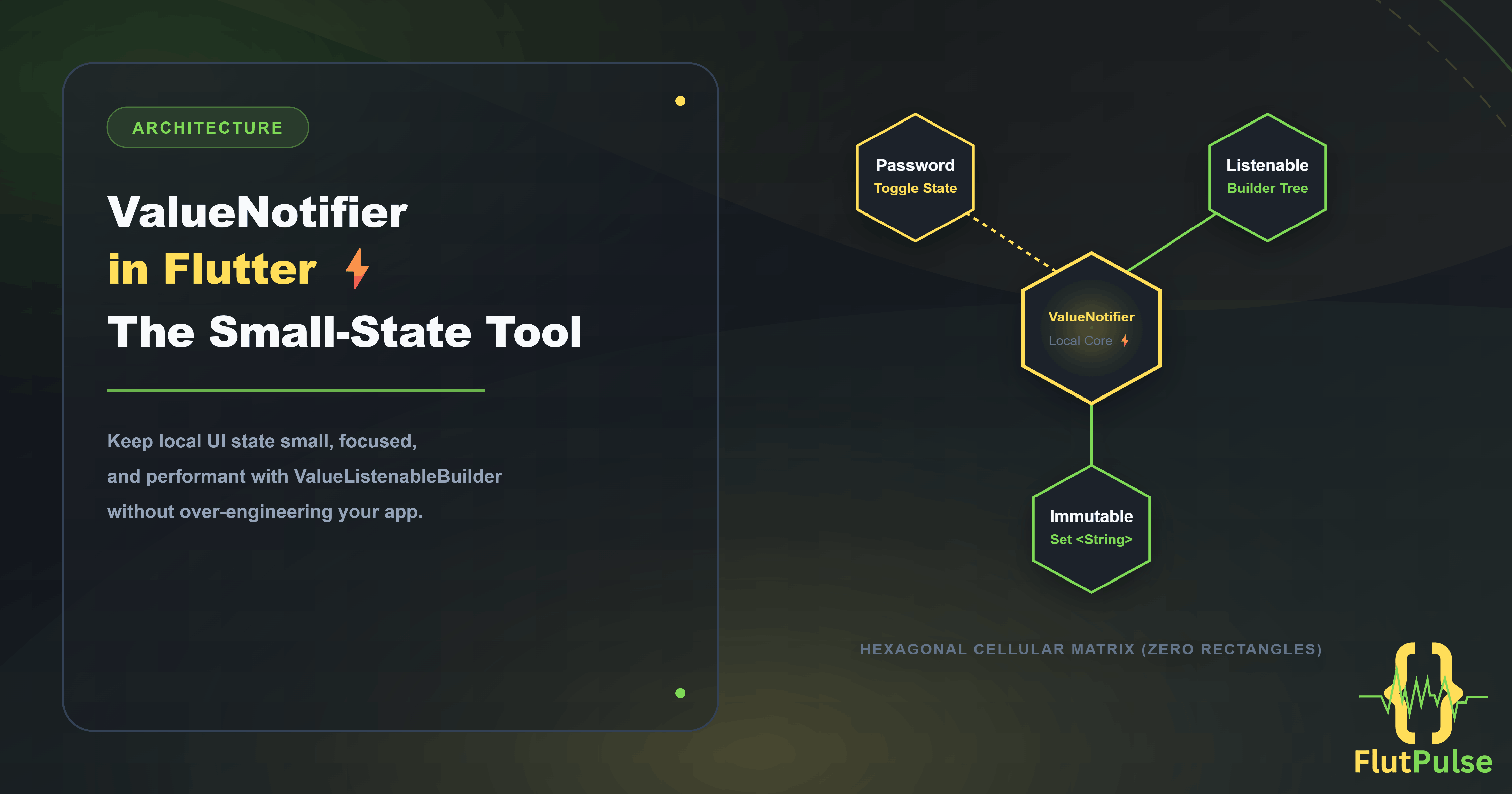
ValueNotifier in Flutter: The Small-State Tool Most Screens Need
Published on: September 17, 2026
Not every changing value needs a feature-wide state-management solution. A password visibility toggle, a selected filter, or a compact loading indicator can become harder to maintain when it is pushed into an architecture designed for application state.
ValueNotifier is Flutter’s lightweight answer for state that is local, observable, and simple.
Use the smallest state tool that keeps ownership obvious. Small UI state should stay close to the widget that owns it.
The pattern in one screen
ValueNotifier holds one value. ValueListenableBuilder rebuilds only the part of the tree that depends on that value.
class PasswordField extends StatefulWidget {
  const PasswordField({super.key});

  @override
  State<PasswordField> createState() => _PasswordFieldState();
}

class _PasswordFieldState extends State<PasswordField> {
  final _obscureText = ValueNotifier(true);

  @override
  void dispose() {
    _obscureText.dispose();
    super.dispose();
  }

  @override
  Widget build(BuildContext context) {
    return ValueListenableBuilder<bool>(
      valueListenable: _obscureText,
      builder: (context, obscureText, _) {
        return TextField(
          obscureText: obscureText,
          decoration: InputDecoration(
            labelText: 'Password',
            suffixIcon: IconButton(
              onPressed: () => _obscureText.value = !obscureText,
              icon: Icon(obscureText ? Icons.visibility : Icons.visibility_off),
            ),
          ),
        );
      },
    );
  }
}
The parent screen does not rebuild when the icon changes. More importantly, the value and the control that changes it live in the same place.
Use it for focused, local decisions
ValueNotifier works well when one value has one clear owner:
- A selected tab in a compact component
- Whether a section is expanded
- A local form submission state
- The currently selected sort option
- A progress value from an upload task
It is deliberately not a replacement for shared business state. If several features need to read or modify the value, a repository-backed state layer is usually clearer.
Prefer immutable values for structured state
ValueNotifier notifies listeners when its value changes. Mutating a list or object in place can leave the UI unchanged because the reference did not change.
final selectedIds = ValueNotifier<Set<String>>({});

void toggleSelection(String id) {
  final next = {...selectedIds.value};

  if (!next.add(id)) {
    next.remove(id);
  }

  selectedIds.value = next;
}
Creating a new set makes the update explicit and keeps the widget tree predictable.
Keep the builder narrow
The builder should wrap only the UI that reads the value. Place static widgets outside it, and use the optional child argument for expensive pieces that never change.
ValueListenableBuilder<bool>(
  valueListenable: _isSaving,
  child: const Text('Save changes'),
  builder: (context, isSaving, child) {
    return FilledButton(
      onPressed: isSaving ? null : _save,
      child: isSaving
          ? const SizedBox.square(
              dimension: 18,
              child: CircularProgressIndicator(strokeWidth: 2),
            )
          : child,
    );
  },
)
This is not premature optimization. It makes the changing part of the interface easy to identify during review.
A simple decision rule
Choose ValueNotifier when the state is local, small, and owned by one widget. Choose a broader state layer when the value crosses feature boundaries, has business rules, or must survive beyond the screen.
That distinction prevents both extremes: over-engineering a visibility icon and hiding important app state inside a random widget.
Build it faster with FlutFest
FlutFest provides reusable Flutter components with focused state boundaries, helping you keep small interactions simple while leaving room for larger architecture when a feature grows. Explore the live web demo.