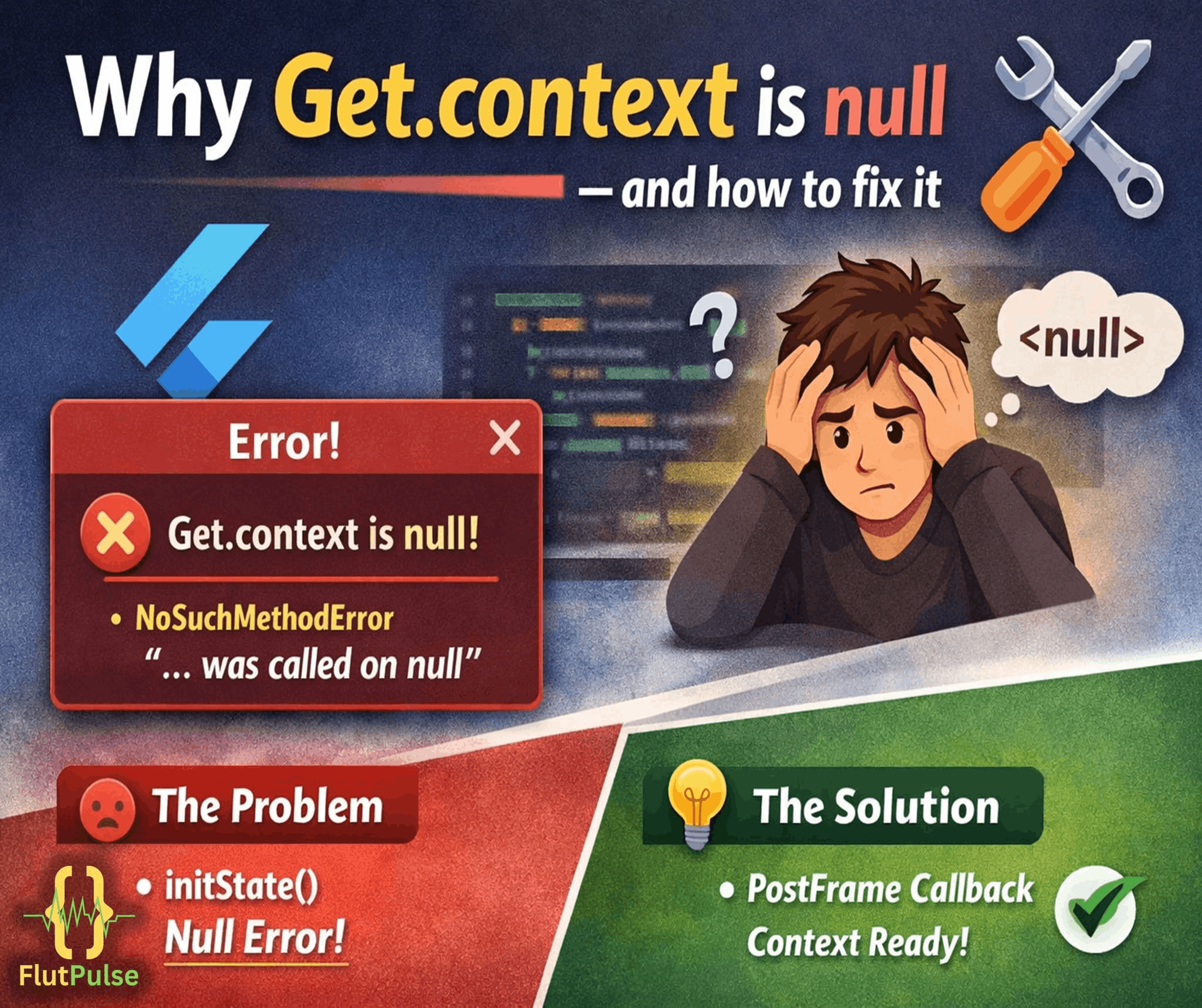
Why Get.context Returns Null in GetX (And How to Fix It)
Published on: February 18, 2026
If you’re using GetX in Flutter, you may have faced situations where Get.context returns null and causes unexpected errors. This isn’t an issue with GetX itself — it’s related to when your code runs within the widget lifecycle. In this article, we’ll briefly explain why this happens and how to handle it properly to avoid null errors and keep your app stable.
🧩 Why Does This Happen?
Get.context is a convenience getter that points to the context of the current route managed by GetX’s navigation system. The problem is that this context is only populated after the widget tree has been built and a route has actually been pushed.
If you try to access Get.context too early — for example, inside an initState, a controller’s constructor, or during app bootstrap before GetMaterialApp has painted its first frame — there simply isn’t a context to return yet. The result is a null value, and any code that assumes a valid BuildContext will throw.
This is a timing issue, not a bug. Flutter’s widget lifecycle guarantees a context only once the relevant widget is mounted, and GetX’s global accessor can’t get ahead of that guarantee.
🛑 Common Places This Breaks
- Inside a GetxController’s
onInit()— the controller can initialize before any screen using it has been mounted. - During app startup — calling
Get.contextbeforerunApp()has finished its first build pass. - In background callbacks — timers, streams, or async callbacks that fire before navigation has settled.
✅ How to Handle It Properly
1. Prefer Get.context only after the frame is drawn
If you must use it early, wrap the call using WidgetsBinding.instance.addPostFrameCallback, which guarantees the first frame has already been rendered.
2. Use Get.key.currentContext as a fallback
Get.key refers to the navigator key GetX uses internally. Checking Get.key.currentContext can sometimes resolve a valid context slightly earlier in edge cases where Get.context itself is still null.
3. Always null-check before use
Treat Get.context as nullable in your code, the same way you would treat any other nullable field in Dart. A simple guard clause avoids a crash and lets you defer the action until a context is actually available.
4. Avoid relying on global context for UI-dependent logic
Where possible, pass BuildContext explicitly through widget parameters or callbacks rather than depending on a global getter. This keeps your logic predictable and testable, and removes the timing dependency entirely.
🛠️ Keeping Navigation Predictable
Null-context errors are usually a symptom of navigation and state logic being triggered before the UI is actually ready. Structuring your app so that controllers only perform context-dependent actions after their bound screen is active — rather than during construction — removes most of these edge cases by design.
Being deliberate about when GetX code runs, not just what it does, is the real fix here. Once you separate initialization logic from context-dependent logic, Get.context stops being a source of surprises.