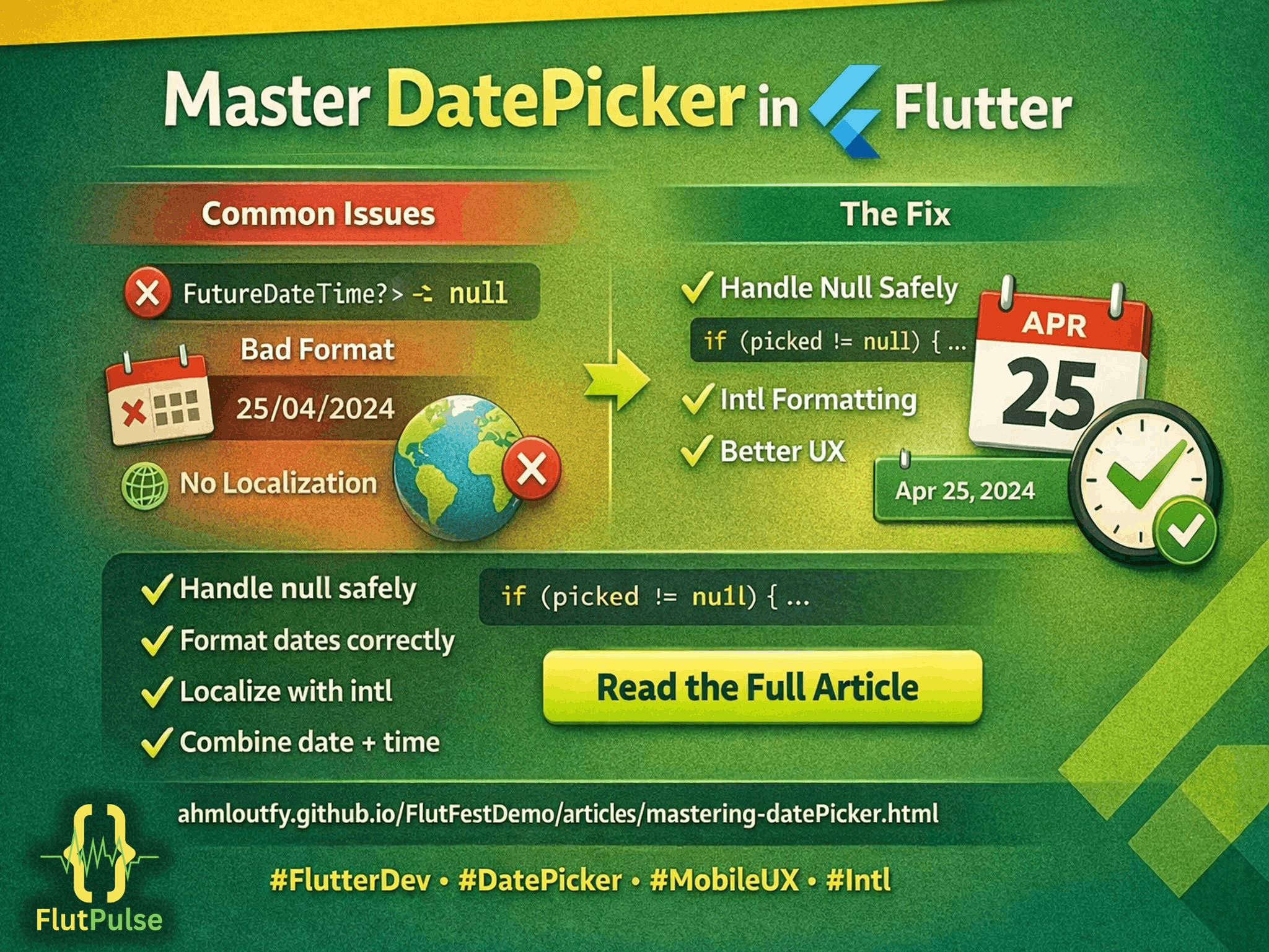
Mastering DatePicker in Flutter: A Practical Guide
Published on: April 02, 2026
Stop letting the DatePicker be a headache — a practical guide to handling date selection in Flutter. Learn how to safely handle null when users cancel, format dates for real users, localize with intl, combine date + time correctly, and apply UX best practices. Includes a minimal safe example and copy-paste code.
🛑 Where Most DatePicker Implementations Go Wrong
showDatePicker looks simple on the surface, but a surprising number of small mistakes creep into production apps:
- Ignoring the cancel case.
showDatePickerreturns a nullableDateTime?. If the user taps outside the dialog or presses back, the future resolves tonull— and unhandled, this crashes or silently corrupts app state. - Hardcoded date formatting. Manually building date strings with string concatenation instead of
intlleads to formats that break across locales and look inconsistent across screens. - Losing the time component. Combining a date and time picker into a single
DateTimeis easy to get wrong, often silently dropping the time portion or overwriting it. - No sensible bounds. Forgetting to set
firstDateandlastDatelets users pick nonsensical values, like a birthdate in the future or an event date decades away.
✅ A Minimal Safe Example
Future<void> _pickDate(BuildContext context) async {
  final DateTime? picked = await showDatePicker(
    context: context,
    initialDate: DateTime.now(),
    firstDate: DateTime(2020),
    lastDate: DateTime(2030),
  );

  if (picked == null) {
    // User cancelled — keep existing state, don't overwrite it.
    return;
  }

  setState(() {
    _selectedDate = picked;
  });
}
The key line is the null check. Treating the result as always-present is the single most common source of DatePicker-related bugs.
🌍 Formatting and Localization with intl
Instead of manually assembling strings, use the intl package to format dates according to the user’s locale:
import 'package:intl/intl.dart';

String formatted = DateFormat.yMMMMd().format(_selectedDate);
This automatically adapts to the device’s locale settings, so a date reads naturally whether the app is running in English, Arabic, or any other supported language — without you writing conditional formatting logic yourself.
🕒 Combining Date and Time Correctly
When a screen needs both a date and a time (for example, scheduling an event), pick them separately and merge them explicitly rather than assuming one picker carries both:
final DateTime combined = DateTime(
  date.year,
  date.month,
  date.day,
  time.hour,
  time.minute,
);
This avoids the common bug where a time picker’s selection gets discarded because the date object it’s merged into still holds a default time of midnight.
🛠️ UX Best Practices Worth Following
- Always set
firstDateandlastDateto match the actual valid range for the field — a birthday field should never allow future dates. - Show the picked value immediately in the UI so the user gets confirmation their selection registered.
- Use
initialDateintelligently — default to today for new entries, or to the existing value when editing. - Keep cancel non-destructive. Cancelling a date picker should never clear a previously valid selection.
Handled this way, the DatePicker stops being a source of edge-case bugs and becomes exactly what it should be: a small, predictable building block in your UI.