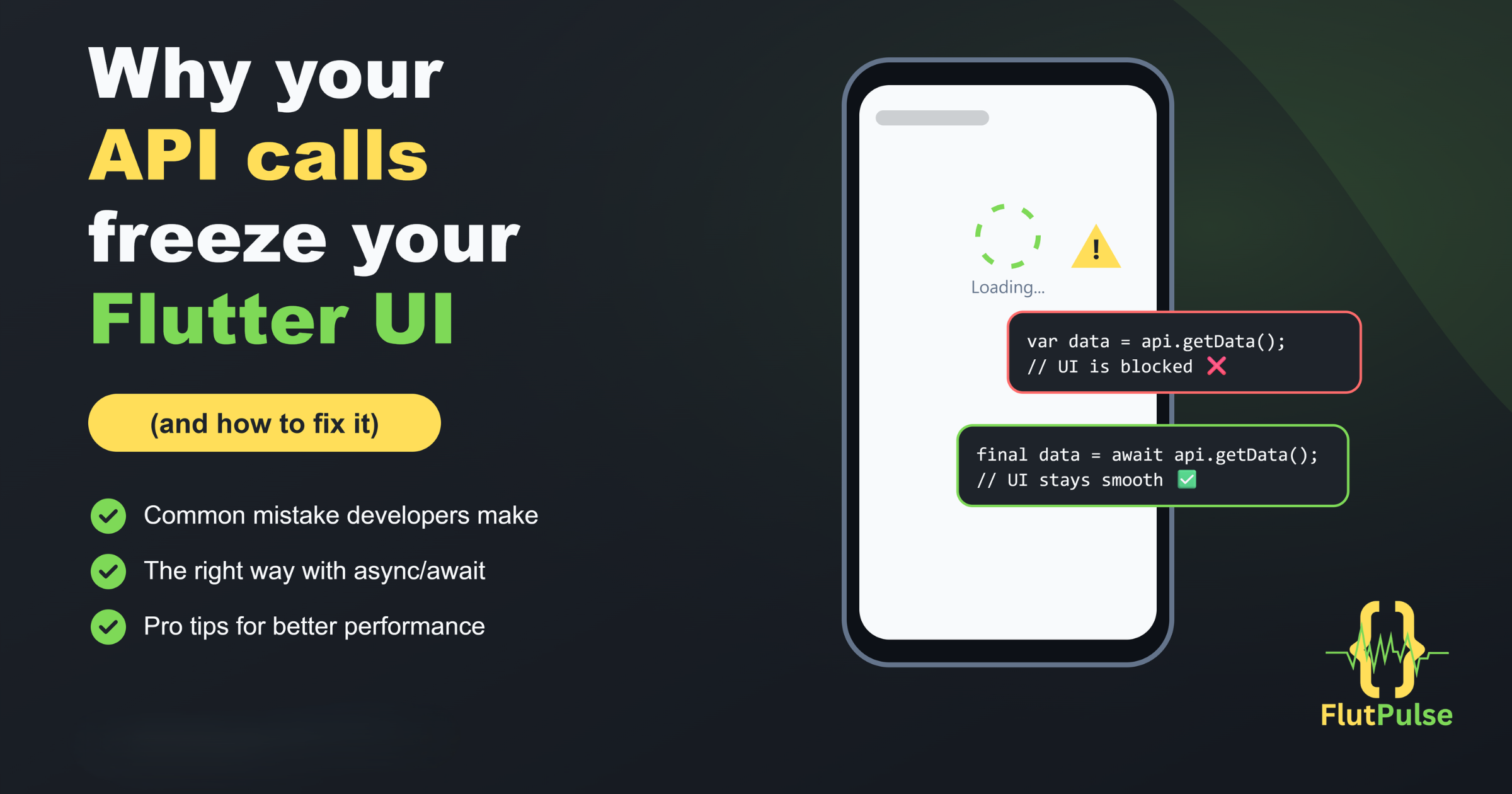
Why your API calls freeze your Flutter UI 🚫
Published on: June 10, 2026
Introduction
One of the most frustrating issues in Flutter is when your app suddenly feels stuck… Buttons stop responding, scrolling becomes laggy, and the whole UI freezes. In most cases, the problem isn’t Flutter itself — it’s how API calls are handled.
The Problem ⚠️
// Synchronous calls block the Main Thread
void fetchData() {
  var data = api.getData(); // Blocks UI
  setState(() {
    result = data;
  });
}
The Solution ✅
// Async/Await keeps the UI smooth
Future<void> fetchData() async {
  final data = await api.getData();
  setState(() {
    result = data;
  });
}